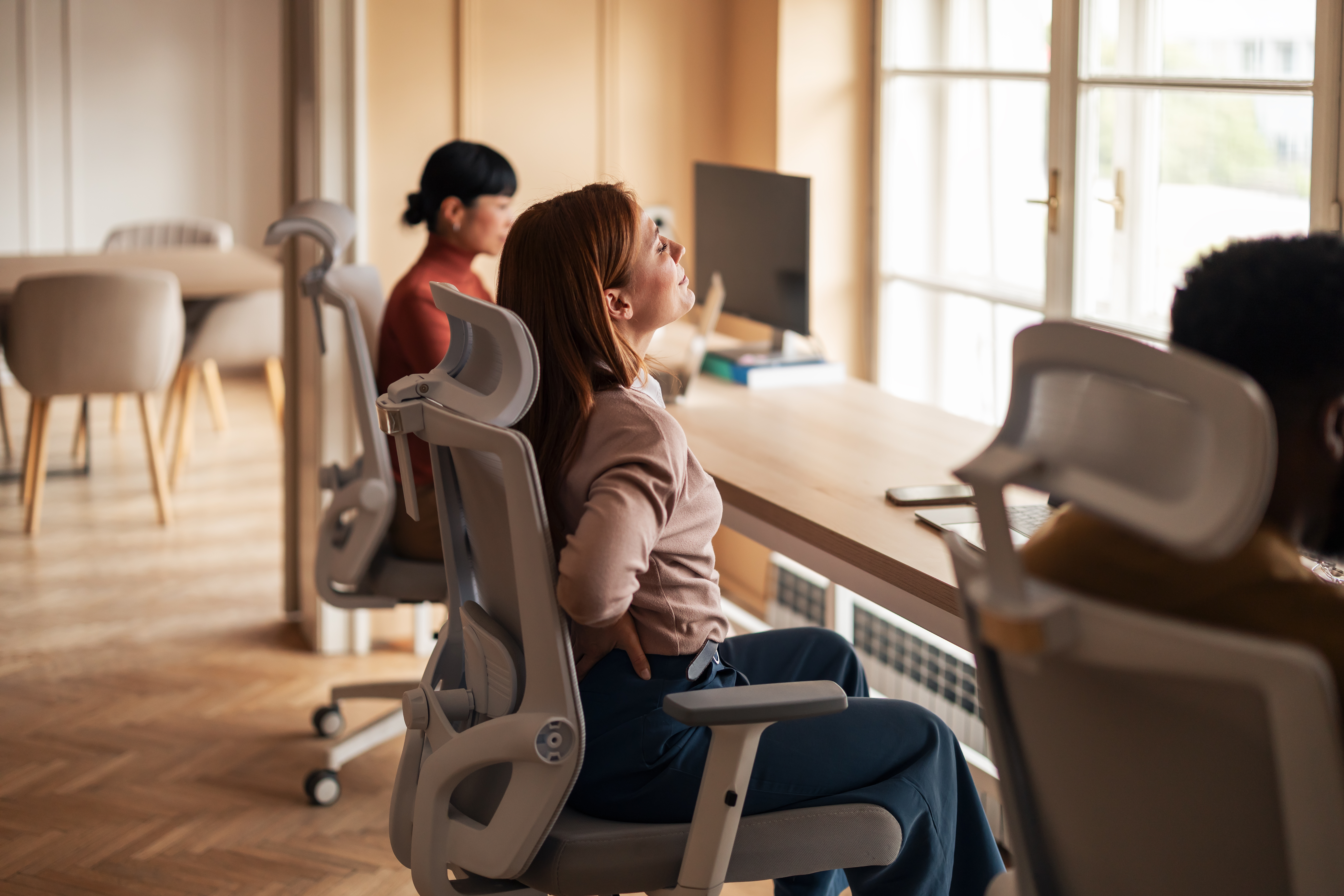
Office Posture Tips for Back Pain | Trust Care Physiotherapy
Finding Comfort at Your Desk: Office Posture and Healthy Habits for Your Workday
Sitting all day drains your energy and leaves your back screaming by afternoon. Your office posture could be the hidden culprit behind that nagging pain you ignore. Learn simple ergonomic tips and healthy office habits that help prevent back pain and keep you moving comfortably throughout your workday.
The Foundation of Comfort: Proper Office Posture
Understanding Your Body's Needs
Your body wasn't designed to sit for eight hours straight. When we maintain poor office posture, we create imbalances that lead to discomfort, pain, and long-term issues. The good news? Small changes can make a big difference in how you feel at the end of each workday.
Setting Up Your Workspace
A properly arranged workspace forms the backbone of good office posture. Start with your chair: adjust the height so your feet rest flat on the floor with knees at a 90-degree angle. Your back should be fully supported, with special attention to maintaining the natural curve in your lower back.
Your computer monitor should sit at eye level about an arm's length away. This prevents you from hunching forward or straining your neck. If you use a laptop, consider a separate keyboard and mouse to help maintain this ideal position.
Healthy Office Habits That Make a Difference
The 20-20-20 Rule
Eye strain often contributes to poor posture as we lean toward screens. Try the 20-20-20 rule: every 20 minutes, look at something 20 feet away for 20 seconds. This simple habit gives your eyes a break and reminds you to check your posture.
Movement Breaks
One of the most helpful office habits is simply getting up regularly. Set a timer for every 30-45 minutes as a reminder to stand, stretch, and walk around for a few minutes. These brief movement breaks help prevent back pain and keep your muscles from becoming stiff and sore.
Try simple desk stretches like shoulder rolls, gentle neck stretches, and standing back bends. These can be done in just a minute or two but provide huge benefits for your body.
Staying Hydrated and Nourished
Drinking plenty of water throughout your workday not only keeps you hydrated but also creates natural break opportunities. Keep a water bottle at your desk and refill it regularly. When planning meals and snacks, choose options that support your energy levels without causing mid-afternoon crashes.
Workplace Ergonomics: Beyond the Basics
Standing Desks and Alternative Seating
If possible, try alternating between sitting and standing throughout your day. Standing desks have become popular tools for workplace ergonomics, but the key is variation rather than standing all day. If a standing desk isn't available, you can create a temporary standing workspace using sturdy boxes or shelves.
Alternative seating options like stability balls or kneeling chairs can also help engage different muscle groups throughout your day. The goal is to avoid staying in any single position for too long.
Mindful Technology Use
Our phones and tablets often lead to some of the worst posture habits. Be mindful of "tech neck" from looking down at devices. Hold phones at eye level when possible, and take breaks from handheld devices regularly.
Creating Lasting Habits for Long-Term Comfort
Start Small for Big Results
Changing all your habits at once can feel overwhelming. Pick one or two ergonomic tips to focus on this week, like proper monitor height or scheduled movement breaks. Once these become second nature, add another healthy office habit to your routine.
Listen to Your Body's Signals
Pain is your body's way of signaling something's wrong. If you notice discomfort, take it as a cue to check your posture and make adjustments. Early attention to these signals can prevent more serious problems down the road.
Building a Supportive Community
Share what you're learning about office posture with colleagues. You might start a group challenge for movement breaks or share ergonomic tips that have helped you. Creating a culture that values physical wellbeing makes it easier for everyone to maintain healthy office habits.
Remember, the goal isn't perfect posture every minute, but rather building awareness and habits that support your body throughout your workday. Your future self will thank you for the care you're taking today to prevent back pain and create a more comfortable work experience.
Importance of Office Posture
Your body speaks a silent language at your desk. The way you sit, stand, and move tells a story about your future comfort and health. Good office posture isn't just about looking professional—it's about feeling your best during and after work hours.
Benefits of Good Posture
Good posture works like magic for your workday comfort. When you sit correctly, your muscles work together in balance, reducing strain on any single part of your body. This balance helps you breathe more fully, which brings more oxygen to your brain and muscles.
People with good office posture often report feeling more alert and focused throughout the day. The physical and mental benefits connect—when your body isn't fighting against poor alignment, your mind can focus on your work instead of your discomfort.
Good posture also helps prevent long-term health issues. Your spine carries the weight of your upper body, and proper alignment reduces wear and tear on the discs between your vertebrae. This protection matters more as you age, making good posture habits an investment in your future health.
Many desk workers notice immediate benefits when they improve their posture. Headaches, neck pain, and that tight feeling between your shoulder blades often decrease when you start paying attention to how you sit.
Common Posture Mistakes
The forward head posture tops the list of desk-related mistakes. This happens when your head juts forward past your shoulders, putting up to 10 extra pounds of pressure on your neck for each inch it moves forward. Check yourself right now—is your ear lined up with your shoulder?
Rounded shoulders often pair with forward head posture. This position tightens your chest muscles while weakening the muscles between your shoulder blades. Over time, this imbalance becomes your new normal, making proper posture feel strange at first.
Slouching in your chair might feel comfortable in the moment, but it puts pressure on your lower back and can lead to pain later in the day. Many people slouch without realizing it, especially as they grow tired throughout the workday.
Text neck—looking down at phones or tablets—has become increasingly common. This position can put up to 60 pounds of pressure on your neck and upper back, leading to pain and stiffness that carries into your personal time.
Role of Ergonomic Tips
Ergonomic tips serve as your roadmap to better posture. They take the guesswork out of how to set up your workspace for your body's needs, giving you clear steps to follow for immediate improvement.
The right ergonomic setup makes good posture easier to maintain. When your chair, desk, and computer are positioned correctly, your body naturally falls into better alignment. Think of ergonomics as working with your body rather than forcing it into uncomfortable positions.
Research from UCLA Health shows that proper ergonomics can reduce muscle fatigue by up to 30%. This reduction means you'll have more energy throughout your day and feel less drained when you head home.
Ergonomic tips aren't one-size-fits-all. Your height, proportions, and the type of work you do all affect what setup will work best for you. The key principles remain the same, but you might need to make personal adjustments to find your perfect fit.
Healthy Office Habits
Building healthy habits into your workday creates a foundation for comfort. Small actions, repeated daily, protect your body from the strains of desk work and help you feel more energized throughout the day.
Simple Movement Breaks
Movement breaks reset your body and mind during long work sessions. Standing up just once an hour can reduce your risk of back pain and improve blood flow to your muscles and brain.
Try the 30/30 rule: 30 minutes of sitting followed by 30 minutes of standing or moving. This balance helps prevent the negative effects of staying in any single position too long. If full standing isn't possible in your workspace, even standing for phone calls or quick stretching counts.
Mini-workouts take just 2-5 minutes but offer big benefits. Try wall sits, desk push-ups, or gentle yoga poses near your workspace. These quick movement sessions wake up your muscles and give your mind a productive break from screen time.
Walking meetings represent another way to add movement to your day. For phone calls or brainstorming sessions that don't require a computer, try walking instead of sitting. You might find the ideas flow more freely when your body is in motion.
Prevent Back Pain Techniques
Back pain prevention starts with core strength. Your core muscles support your spine, so spending just 5 minutes daily on simple strengthening exercises can make a big difference. Try planks, bird dogs, or gentle bridges before or after work.
Stretching tight muscles helps prevent back pain before it starts. Focus on your hip flexors, which tighten during prolonged sitting, and your chest muscles, which can pull your shoulders forward. Even 30 seconds of stretching these areas a few times daily can help maintain balance.
Proper lifting technique matters even in an office environment. When picking up heavy items like water jugs, file boxes, or equipment, bend at your knees rather than your waist. Keep the item close to your body as you lift to protect your back.
Spine Health experts recommend changing positions frequently throughout your day. This movement prevents any single area from becoming overloaded and helps distribute the workload across different muscle groups.
Creating a Comfortable Workspace
Your workspace should fit you like a good pair of shoes—supporting without pinching. Start with the basics: a chair that adjusts to your height and provides good back support, and a desk at the right height for your arms to rest comfortably.
Personal touches matter more than you might think. Plants, photos, or artwork can reduce stress levels, which in turn reduces muscle tension. Studies show that workers with personalized spaces report up to 15% higher satisfaction with their physical comfort.
Temperature and lighting affect your physical comfort too. Cold muscles tense up, while too-warm environments can make you sluggish. Aim for a comfortable temperature and reduce glare on screens to prevent eye strain and the forward head posture that often follows.
The items you use most should sit within easy reach. Stretching repeatedly for the same objects can strain your shoulders and back over time. Arrange your workspace so frequently used items sit within the arc of your arms without reaching or twisting.
Workplace Ergonomics Essentials
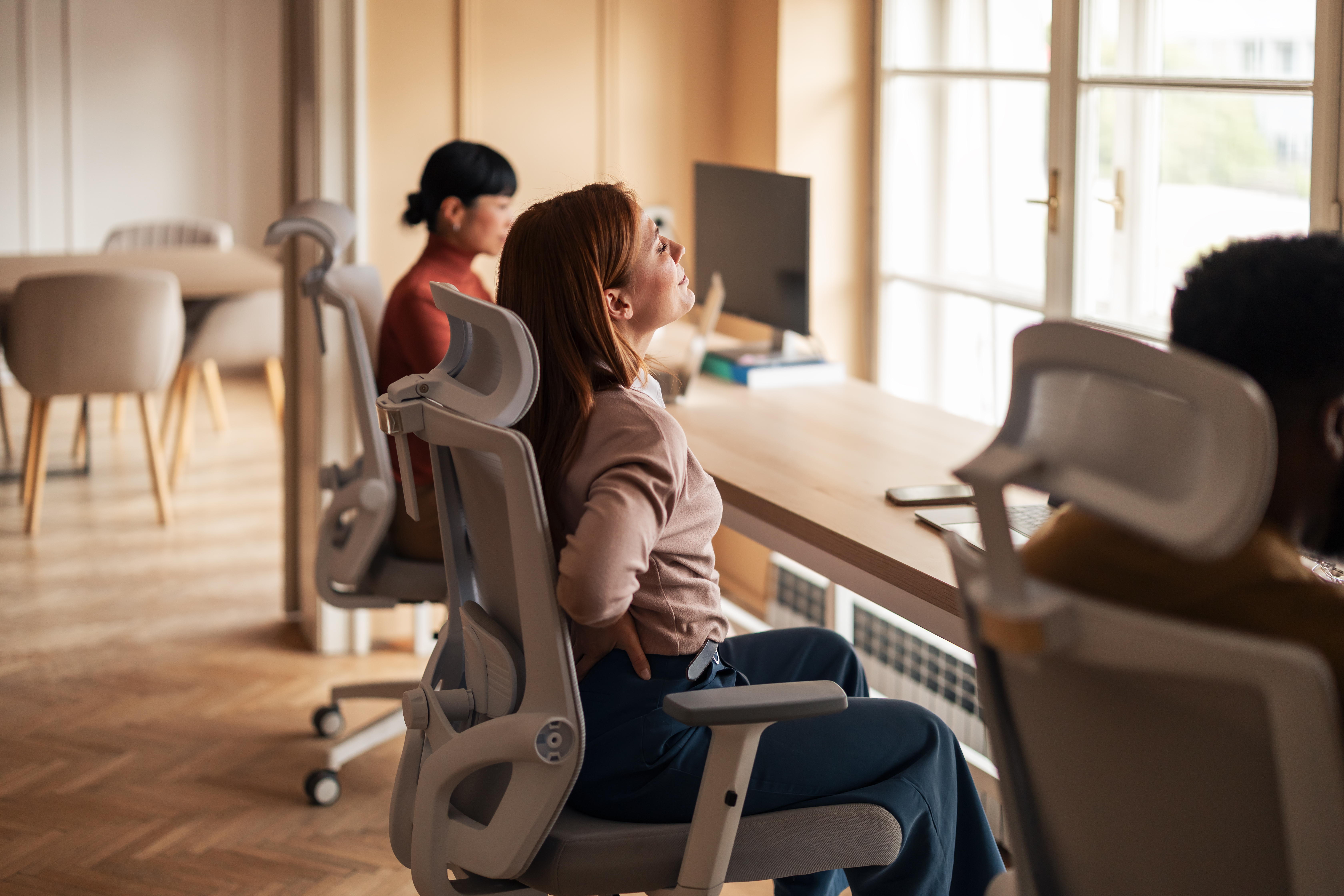
Ergonomics might sound complicated, but it boils down to a simple idea: your workspace should fit your body, not the other way around. Small adjustments can lead to big improvements in how you feel at the end of each day.
Setting Up Your Desk
Desk height forms the foundation of good ergonomics. Your arms should rest comfortably on your desk with elbows bent at roughly 90 degrees. If your desk is too high, raise your chair and use a footrest to support your feet. If it's too low, raise the desk with stable risers.
Keyboard placement affects your shoulders and wrists. Position your keyboard so your wrists remain flat, not bent up or down. Many ergonomic keyboards come with wrist rests, but if yours doesn't, you can add one separately. Your mouse should sit at the same height as your keyboard.
Cary Ortho specialists recommend keeping a 1-2 inch gap between the edge of your desk and your keyboard. This space gives your wrists a place to rest when you're not typing, reducing strain on your forearm muscles.
Document holders prevent neck strain when you're working with paper materials. Place these at the same height and distance as your monitor, so you don't have to look down or twist to see them. This simple tool can prevent hours of accumulated neck strain.
Choosing the Right Chair
A good office chair provides support in three key areas: your lower back, your mid-back, and your neck. Look for adjustable lumbar support that fits the natural curve of your spine. This support prevents slouching and the back pain that often follows.
Armrests should allow your shoulders to relax naturally downward. If armrests are too high, they push your shoulders up toward your ears, creating tension. Too low, and you might lean to one side. Adjust them to support your arms with elbows bent at 90 degrees.
Seat depth matters for circulation and back support. You should be able to sit all the way back in your chair with 2-3 fingers' width between the front edge of the seat and the backs of your knees. This depth prevents pressure on your legs while still supporting your thighs.
Chair height affects everything else in your ergonomic setup. Your feet should rest flat on the floor with knees at 90 degrees. If you're shorter, you might need a footrest to achieve this position while keeping your arms at the right height for your desk.
Positioning Your Screen
Screen height plays a major role in preventing neck strain. The top of your monitor should sit at or slightly below eye level, so you look straight ahead or slightly down to see the center of your screen. This position keeps your neck in a neutral, comfortable position.
Distance matters too—your screen should sit about an arm's length away. Too close, and you might strain your eyes; too far, and you might lean forward to see, creating poor posture. If you can't read your screen comfortably at this distance, adjust your display settings rather than moving the monitor.
Tulane Public Health researchers found that proper monitor positioning can reduce neck pain by up to 40% among office workers. This simple adjustment often provides the quickest relief for people experiencing neck and upper back discomfort.
For those using multiple monitors, position your main screen directly in front of you and secondary screens to the side. If you use both equally, place them in a slight arc so you can see both with minimal head turning. This arrangement reduces the twisting motions that can strain your neck over time.
